Certified Ekasi Cyber Safety Champion
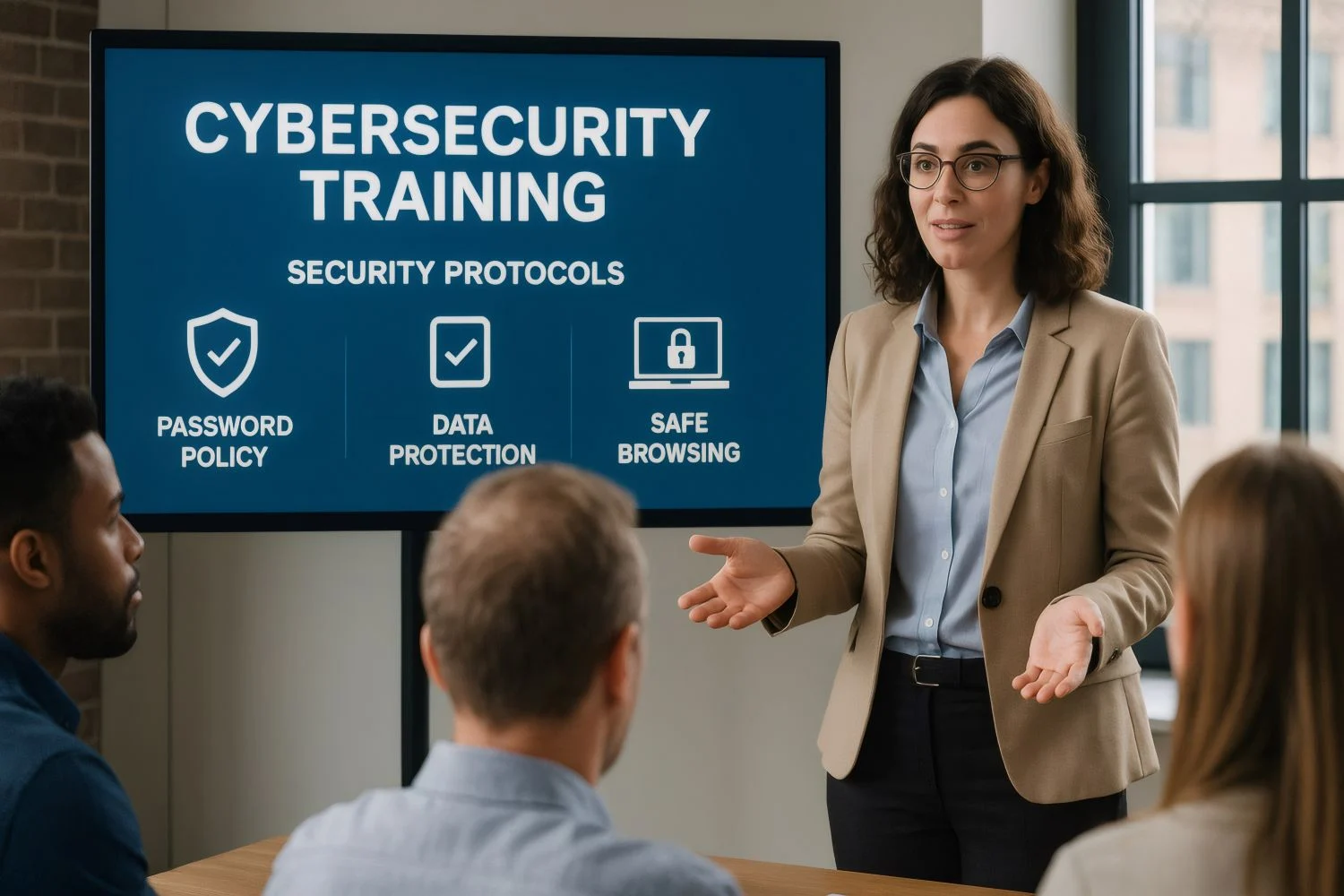
Cybersecurity
Beginner
Certified Ekasi Cyber Safety Champion
Learn essential cybersecurity skills to protect yourself and others from online threats. Covers password security, phishing awareness, safe browsing, and social media safety.
Course Description
Learn essential cybersecurity skills to protect yourself and others from online threats. Covers password security, phishing awareness, safe browsing, and social media safety.
Learning Outcomes
Identify phishing emails, create strong passwords, secure home networks, protect privacy on social media, back up data properly.
Target Audience
General public, office workers, students, seniors, and anyone who uses the internet.
9 Modules
63 Lessons
17h 0m
Learn what cybersecurity is, why it matters, common threats, and basic security terminology.
-
1.1: What is Cybersecurity? - Understanding the Basics (45 min)
-
1.2: Types of Cyber Threats - Know Your Enemy (50 min)
-
1.3: Cyber Attackers - Who Are They and What Do They Want? (45 min)
-
1.4: The Cybersecurity Mindset - Thinking Like a Defender (40 min)
-
1.5: Cyber Hygiene Essentials - Daily Security Habits (50 min)
-
1.6: Legal and Ethical Aspects of Cybersecurity (45 min)
-
1.7: Building Your Cybersecurity Knowledge Path (40 min)
Learn to create strong passwords, use password managers, and enable multi-factor authentication.
-
2.1: Why Passwords Matter - The Foundation of Account Security (50 min)
-
2.2: Creating Strong, Unbreakable Passwords (55 min)
-
2.3: Password Managers - Your Memory Solution (50 min)
-
2.4: Two-Factor Authentication (2FA) - Your Second Layer of Defense (55 min)
-
2.5: Password Security Best Practices (50 min)
-
2.6: Recognizing and Avoiding Password Scams (45 min)
-
2.7: Your Personal Password Security Action Plan (45 min)
Learn to recognize phishing emails, avoid scams, and report suspicious messages.
-
3.1: Understanding Email Security - Why Your Inbox is a Prime Target (45 min)
-
3.2: What is Phishing? The Anatomy of an Email Scam (55 min)
-
3.3: How to Spot a Phishing Email - Red Flags Checklist (55 min)
-
3.4: Advanced Phishing Techniques - Spear Phishing, Whaling, and Clone Phishing (50 min)
-
3.5: Email Security Best Practices (50 min)
-
3.6: Reporting Phishing and What to Do If You Get Hooked (45 min)
-
3.7: Your Personal Email Security Action Plan (45 min)
Learn to browse safely, avoid malicious websites, use HTTPS, and protect browser privacy.
-
4.1: Understanding Browser Security - Your Gateway to the Internet (45 min)
-
4.2: Safe Website Navigation - Avoiding Malicious Sites (50 min)
-
4.3: Browser Extensions and Add-ons - Helpful or Harmful? (45 min)
-
4.4: Private Browsing and Clearing Browser Data (45 min)
-
4.5: Downloading Files Safely (50 min)
-
4.6: Pop-ups, Redirects, and Browser Hijackers (45 min)
-
4.7: Your Safe Browsing Action Plan (45 min)
Learn to protect privacy on social media, avoid oversharing, and recognize social engineering.
-
5.1: Understanding Social Media Risks - Your Digital Footprint (50 min)
-
5.2: Privacy Settings on Major Social Media Platforms (55 min)
-
5.3: Recognizing and Avoiding Social Media Scams (50 min)
-
5.4: Protecting Your Personal Information on Social Media (50 min)
-
5.5: Social Media Account Security - Preventing Takeover (50 min)
-
5.6: Dealing with Cyberbullying, Harassment, and Online Drama (55 min)
-
5.7: Your Social Media Security Action Plan (50 min)
Learn to secure computers, smartphones, and tablets with updates, antivirus, and encryption.
-
6.1: Securing Your Computer - Windows, Mac, and Linux (55 min)
-
6.2: Mobile Device Security - Smartphones and Tablets (50 min)
-
6.3: Antivirus, Anti-Malware, and Keeping Software Updated (55 min)
-
6.4: Backing Up Your Data - The 3-2-1 Rule (50 min)
-
6.5: Physical Device Security - Protecting Hardware from Theft and Damage (50 min)
-
6.6: Securing IoT Devices - Smart Home, Cameras, and Wearables (55 min)
-
6.7: Your Device Security Action Plan (50 min)
Learn to use public Wi-Fi safely, use VPNs, and secure remote work environments.
-
7.1: Understanding Public Wi-Fi Risks - The Hidden Dangers (50 min)
-
7.2: VPNs - Your Essential Protection for Public Networks (55 min)
-
7.3: Safe Remote Work Practices (55 min)
-
7.4: Video Conferencing Security - Zoom, Teams, Meet (50 min)
-
7.5: Securing Home Wi-Fi Networks (55 min)
-
7.6: Travel Security - Protecting Devices on the Go (55 min)
-
7.7: Your Public Wi-Fi and Remote Work Action Plan (50 min)
Learn research techniques for cybersecurity: evaluating online sources, identifying misinformation, fact-checking methods, and staying updated on cyber threats.
-
8.1: Introduction to Research Methods in Cybersecurity (45 min)
-
8.2: Evaluating Online Information - Spotting Misinformation and Scams (50 min)
-
8.3: Investigating Security Incidents - Basic Triage (50 min)
-
8.4: Threat Intelligence and Staying Current (45 min)
-
8.5: Analyzing Security Data and Logs (50 min)
-
8.6: Survey and Assessment Methods for Security Awareness (50 min)
-
8.7: Your Research Methods Action Plan (45 min)
Develop critical thinking, reasoning, communication, and workplace conflict resolution skills for cybersecurity roles.
-
9.1: Introduction to Integrated Thinking for Cyber Safety (45 min)
-
9.2: Critical Reasoning for Cybersecurity (50 min)
-
9.3: Effective Communication for Cyber Safety Champions (50 min)
-
9.4: Conflict Resolution in Cybersecurity Contexts (50 min)
-
9.5: Building Security Culture Through Positive Communication (50 min)
-
9.6: Teaching and Training Others - Becoming a Security Educator (50 min)
-
9.7: Your Integrated Thinking and Communication Action Plan (45 min)
Certification Exam
Final certification exam for Cyber Safety Champion. Tests knowledge of online safety, password security, phishing awareness, device security, and incident reporting.
Passing Score:
70%
Time Limit:
120 minutes
Attempts Allowed:
3
Camera Required:
No
To earn your certificate, you must complete all course materials and pass the final exam with a score of 70% or higher.
Enroll in this Course
Certificate included
18 hours content
Downloadable resources
Mobile access
Duration
18 hours
Skill Level
Beginner
Learning Method
Self Study
Category
Cybersecurity
Modules
9
Total Lessons
63
Last Updated
May 2026
Practical skills guarantee